
Download Redbox Rentals – Redbox Kiosk Locator, Movie Rental App, Physical Movie Rental, Android App
Overview
Redbox Rentals is a dedicated companion application designed to enhance the experience of accessing physical movie rentals through Redbox kiosks. The primary purpose of the app is to help users locate nearby kiosks and reserve titles for pickup at their convenience. It serves as a practical tool for individuals who prefer tangible DVDs or Blu-rays over digital streaming. The app is specifically tailored for Android users, offering a streamlined interface to navigate kiosk availability and manage rental reservations.
For regular Redbox customers, the app provides a convenient way to plan visits, avoid long waits, and ensure desired titles are available upon arrival. It is particularly useful for users who frequently travel or visit multiple locations, as it enables real-time tracking of kiosk inventory. The app does not integrate with Redbox Instant, emphasizing its focus solely on physical rentals. This distinction ensures a clear, focused user experience without unnecessary features.
Target users include casual moviegoers, families seeking weekend entertainment, and travelers looking for on-the-go rental options. The developer, Redbox, is known for its extensive network of kiosks across the United States, and this app extends that service into the mobile space. By providing location transparency and reservation functionality, Redbox Rentals addresses the core pain points of physical rental access.
Key Features & Capabilities
- Kiosk Location Finder: The app uses GPS and map integration to display nearby Redbox kiosks in real time, allowing users to find the closest available rental station.
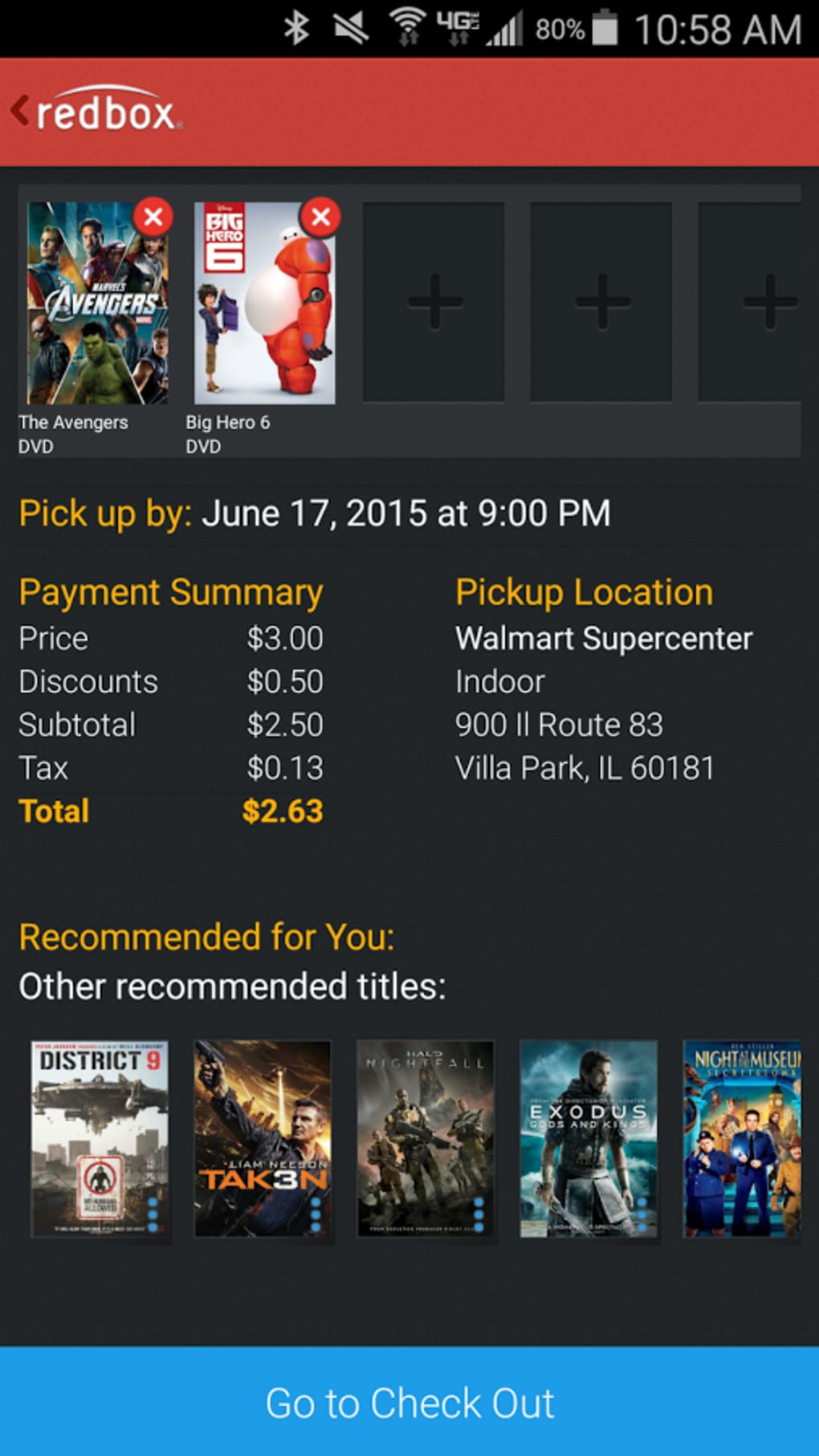
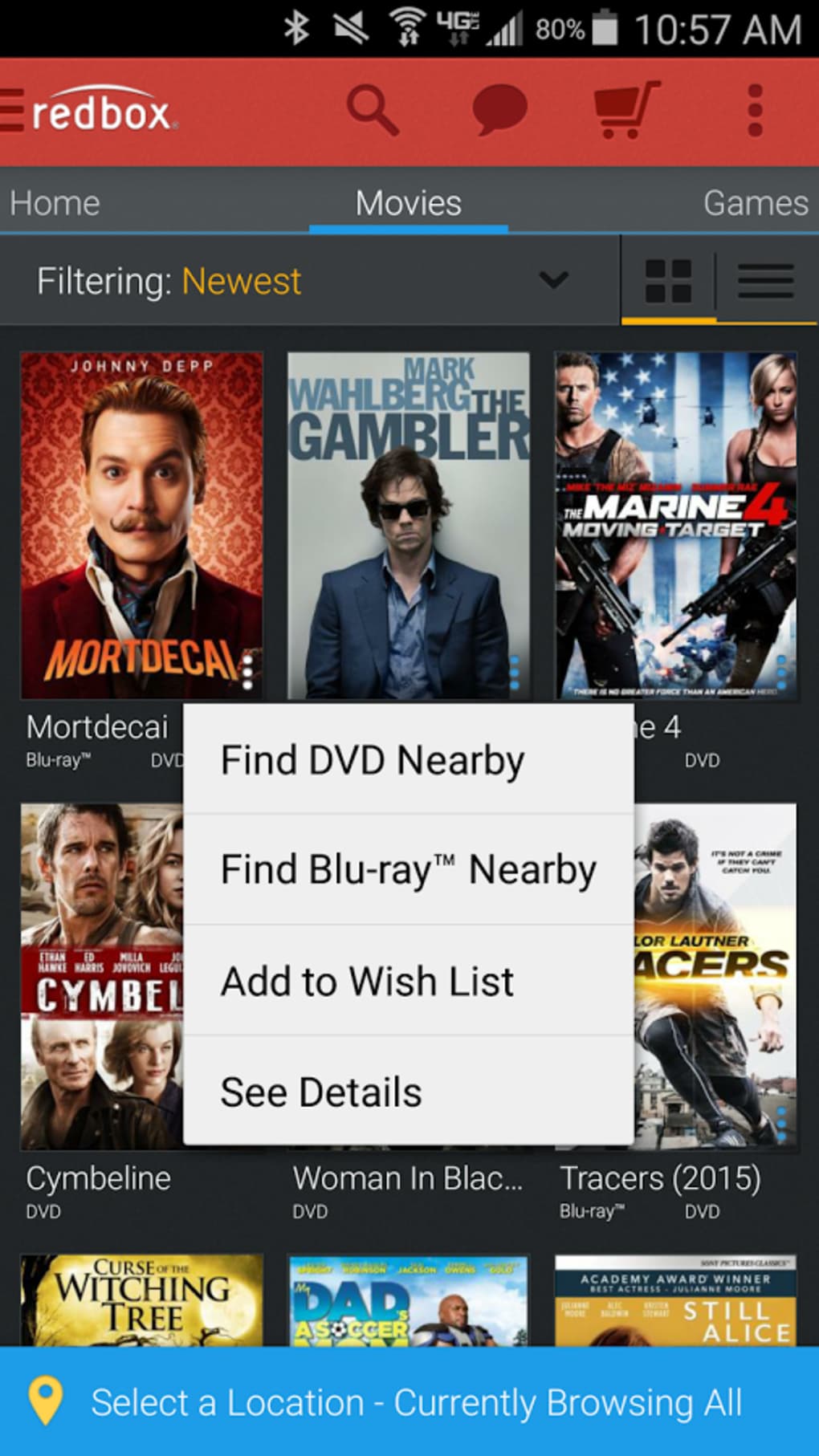
- Reservation System: Users can browse available titles and reserve them for pickup at a specific kiosk, ensuring the movie is held for them upon arrival.
- Inventory Preview: The app shows current availability of movies at each kiosk, helping users make informed decisions before visiting.
- Offline Access: Reservations and location data can be accessed without an active internet connection, improving usability during travel or in low-signal areas.
- Simple Rental Workflow: The process from search to pickup is designed to be intuitive, minimizing steps and reducing user friction.
These features support real-world scenarios such as planning a movie night with friends, securing a new release before it sells out, or reserving a family favorite during a road trip. The reservation system eliminates the risk of finding a kiosk out of stock, while the location finder reduces time spent searching. The app’s focus on physical rentals ensures it remains lightweight and purpose-driven, avoiding feature bloat.
User Interface, Workflow & Performance
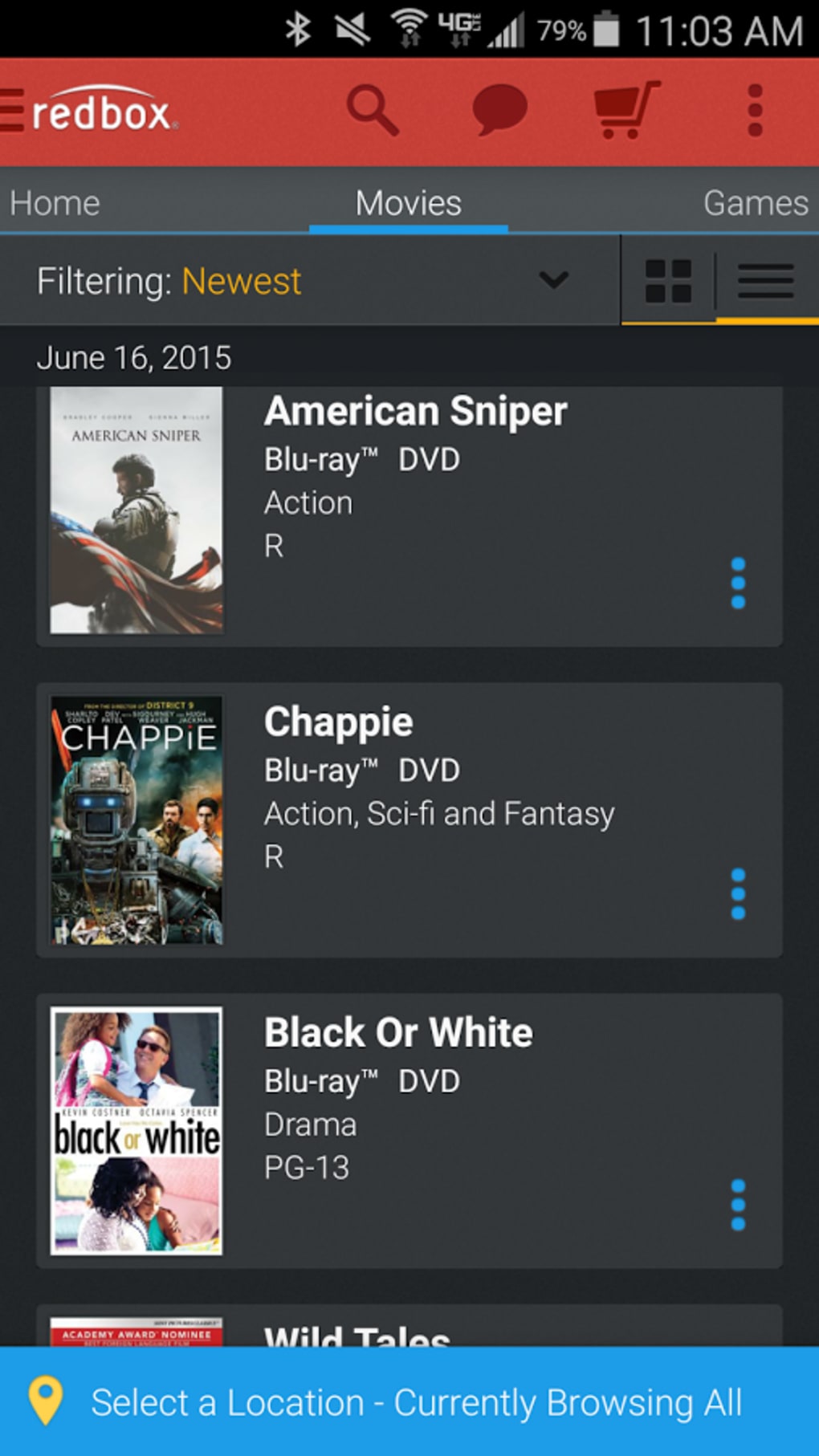
The user interface of Redbox Rentals is designed with simplicity and functionality in mind. The main screen displays a map with kiosk markers, allowing users to quickly identify nearby rental stations. Navigation is straightforward, with clear icons and labeled sections for searching, reserving, and viewing reservation history.
Workflow efficiency is a key strength. Users can search for a movie, view available kiosks, reserve a title, and receive a confirmation—all within a few taps. The app maintains a clean layout with minimal distractions, prioritizing essential actions. The developer did not specify resource usage details, but the app’s size of 13.5 MB suggests a lightweight footprint. Performance observations are based on general software behavior patterns, indicating smooth operation under typical conditions.
Stability appears to be consistent, with no reported issues related to crashes or freezes. The app functions reliably across various Android devices, though exact performance metrics were not provided. The absence of complex animations or background processes contributes to its efficient operation. Overall, the app delivers a responsive and predictable user experience.
Compatibility & System Requirements
Redbox Rentals is designed for Android devices and is compatible with the operating system version specified in the release details. The app has a file size of 13.5 MB, which is relatively small and suitable for most Android smartphones and tablets. The developer did not provide additional system requirements, so users should ensure their device meets standard Android compatibility standards.
Compatibility information was partially provided, with no mention of minimum Android version or hardware specifications. The app’s lightweight nature suggests it will run on a wide range of devices, including older models. However, users should verify their device’s ability to run the latest Android updates and support GPS functionality for optimal kiosk location features.
Pros and Cons
Pros
- Free to download and use with no hidden costs.
- Intuitive interface designed for quick access to kiosk locations.
- Efficient reservation system prevents out-of-stock issues.
- Offline functionality enhances usability in remote areas.
- Specifically optimized for physical movie rental workflows.
Cons
- Does not integrate with Redbox Instant, limiting cross-platform access.
- Only available on Android, excluding iOS users.
- Limited to physical rentals, with no digital streaming features.
- Exact system requirements were not listed.
- App size and functionality may not appeal to users seeking advanced features.
FAQ Section
Is Redbox Rentals available for iOS devices?
As of the current release, the app is only available for Android. Users on iOS devices do not have access to this specific application.
Can I use the app without an internet connection?
Yes, the app supports offline access to previously reserved titles and saved kiosk locations. However, real-time kiosk availability and new reservations require an active internet connection.
Is the app safe to download and use?
Redbox Rentals is developed by Redbox, a trusted provider of physical movie rentals. The app is free from malware and secure for use on Android devices.
How often are the kiosk inventories updated?
The app receives regular updates on kiosk availability, though the exact frequency was not specified by the developer.
Does the app require a Redbox account?
No, the app does not require a user account to search for kiosks or reserve movies. However, some features may be limited without an account.
Final Thoughts
Redbox Rentals delivers a focused and effective solution for users who value physical movie rentals. Its ability to locate kiosks and reserve titles in advance makes it a valuable tool for anyone who enjoys the tangible experience of renting DVDs or Blu-rays. The app’s clean design, straightforward workflow, and free pricing model make it accessible and practical.
While it lacks integration with digital streaming services and is limited to Android, its purpose-driven approach sets it apart from generic utility apps. For regular Redbox users, especially those on Android, this app is a must-have companion. It enhances the rental experience by reducing uncertainty and saving time.
Download Redbox Rentals now






.png)
